



Marstek Venus A
SKU: 230785
€899.00 Original price was: €899.00.€599.00Current price is: €599.00. (21% BTW)
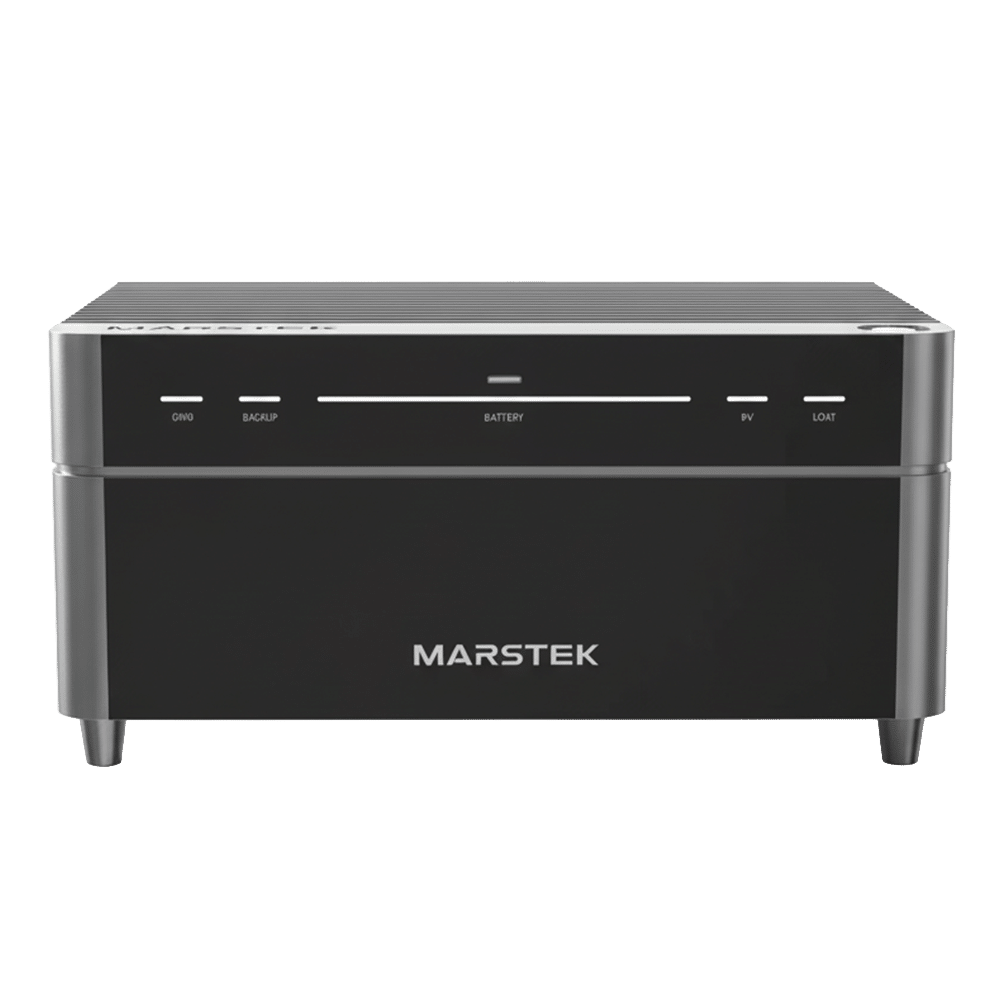
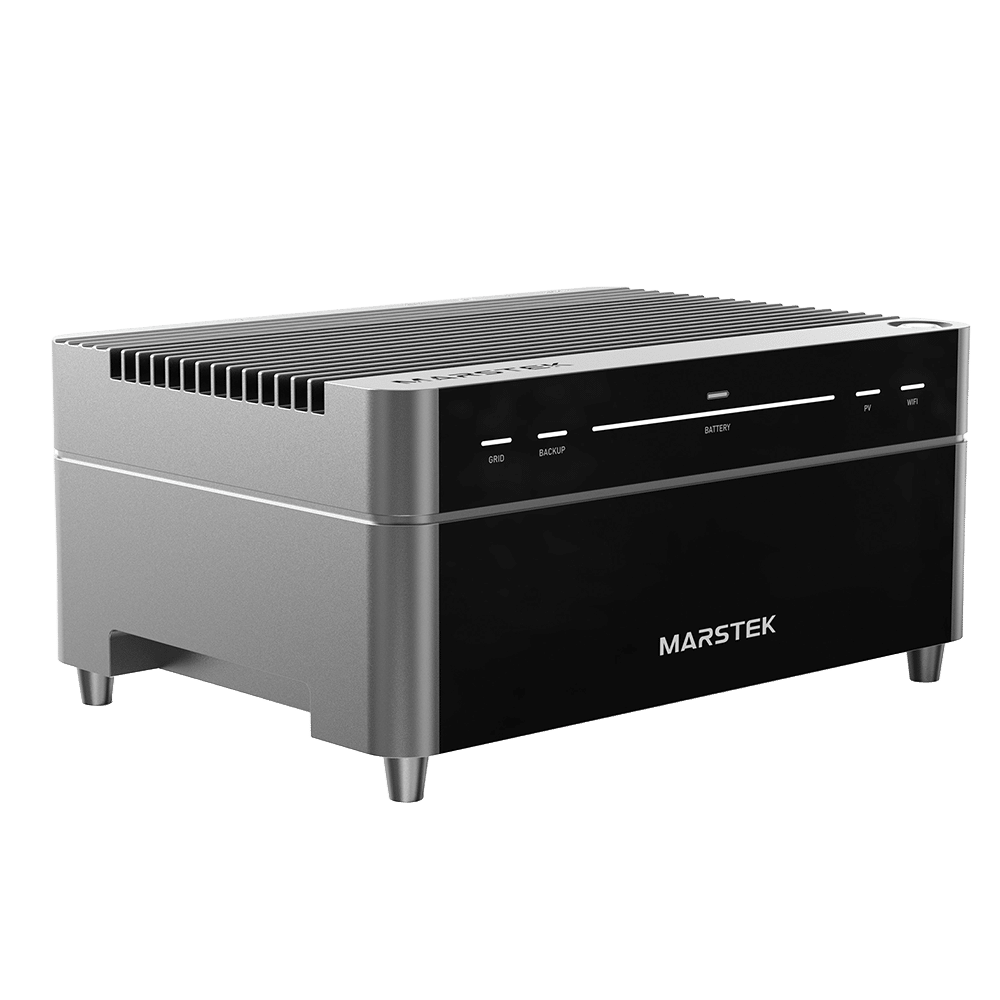
The Marstek Venus A is a compact balcony battery with 2.4 kW PV input (4 MPPTs) and 1.2 kW AC output. The built-in 2.12 kWh LiFePO4 battery is expandable up to 12.72 kWh with additional modules, so you can easily grow with your consumption.
Thanks to IP65 enclosure, fast EPS backup in case of power failure and a smart app with timetables and dynamic price control, you turn your balcony or plug & play installation into a full-fledged energy storage system in one go.
MPN: MST-HIE2.0-0800
Bestel vóór 12:00, morgen gratis geleverd (Thursday 26 March).
34 in stock (can be backordered)
Marstek Venus A – smart balcony battery with 2.4 kW PV and 2.12-12.72 kWh storage
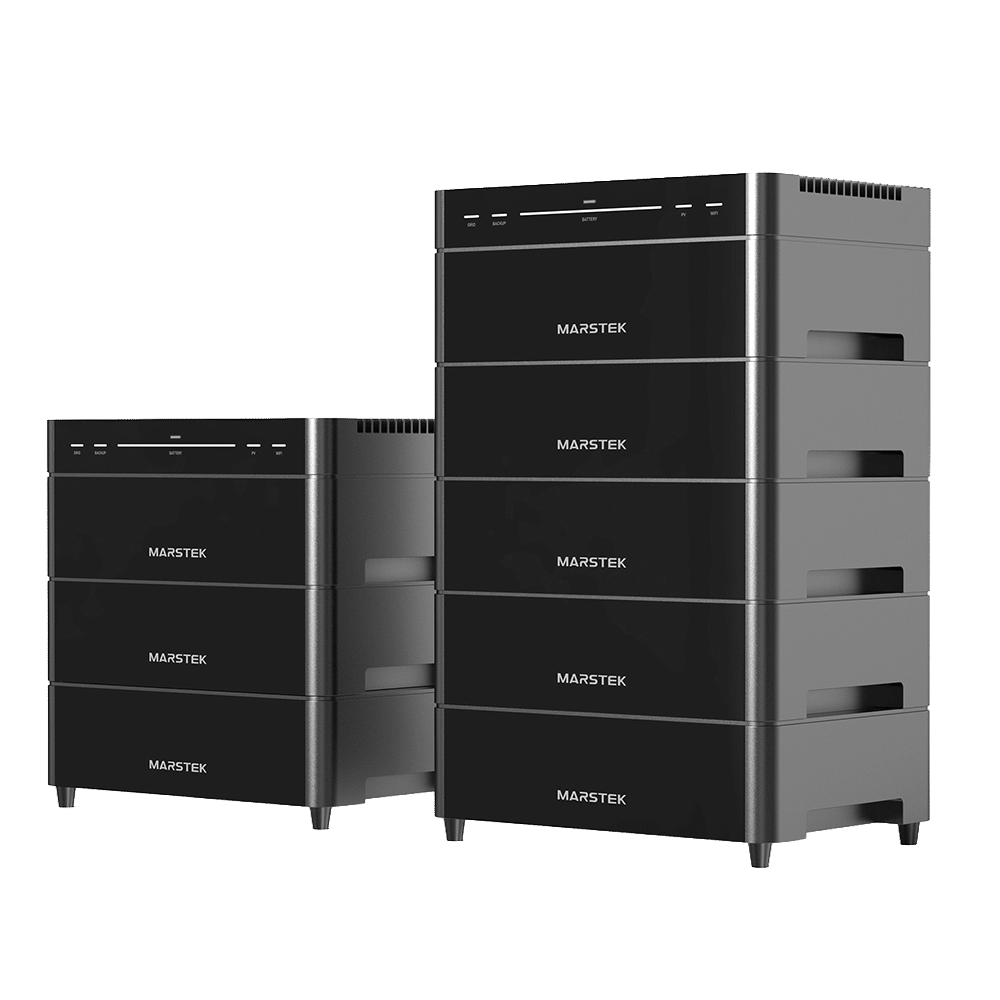
The Marstek Venus A is a compact but complete balcony battery for new and existing solar panel sets. You connect your panels directly to the four MPPT inputs (up to 2.4 kW), store the energy in an efficient LiFePO4 battery of 2.12 kWh and feed back up to 1.2 kW AC to your home grid via the built-in inverter. Expansion modules allow you to scale up the storage capacity to 12.72 kWh.
This turns a simple balcony or plug & play installation into a full-fledged energy storage system in one go, without having to break into the meter box.
Main advantages of the Marstek Venus A
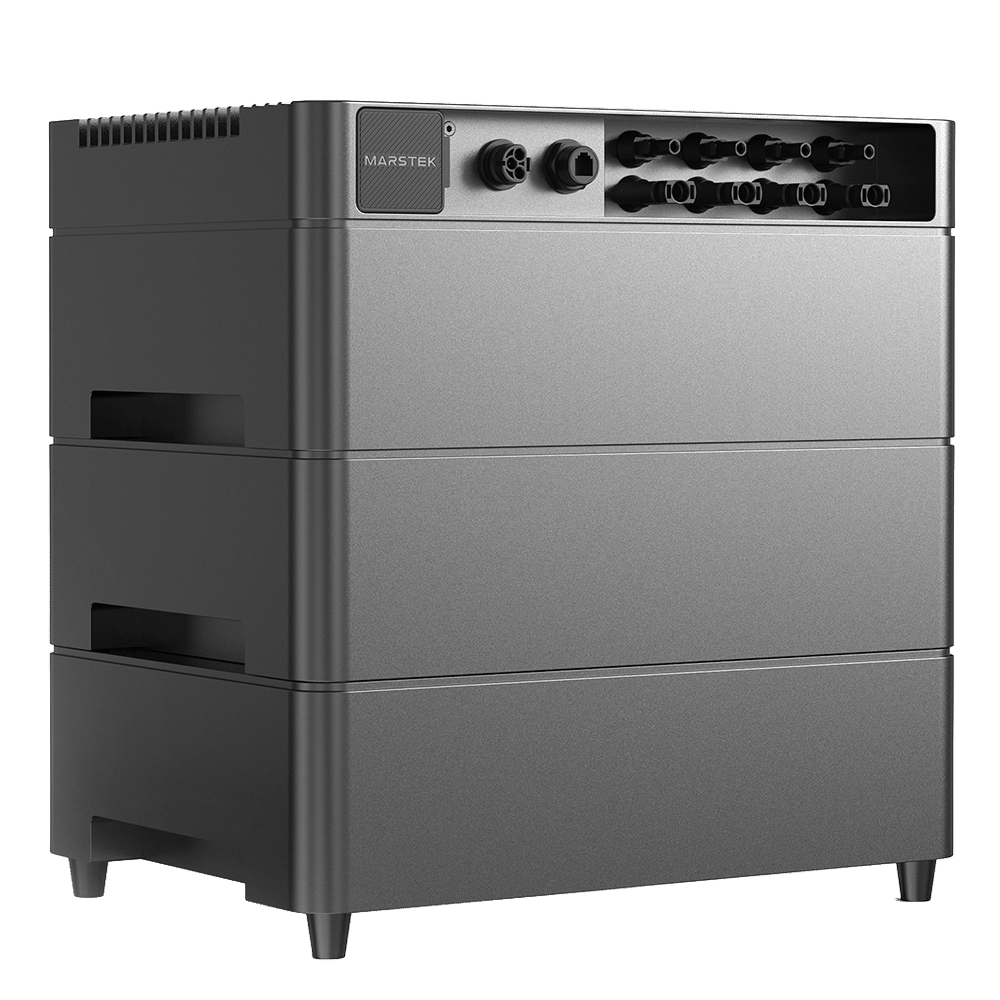
- 2.4 kW PV input with 4 MPPTs – ideal if you have panels in different orientations. For each MPPT, you can connect a separate string.
- 1.2 kW AC power – continuously delivers up to 1.2 kW to your home system; perfect for basic consumption, refrigerators, routers, lighting and more.
- 2.12 kWh LiFePO4 battery – safe, long-life, durable cells.
- Expandable up to 12.72 kWh – easily couple additional battery modules under the Venus A if you need more storage.
- Backup output in case of power failure – via the EPS/backup port, you still keep important consumers on if the mains power is cut.
- IP65 enclosure – dust- and splash-proof, so ideal for balcony, patio, shed or outside wall.
- Smart app – set charging schedules, view your yield and respond to time zones or dynamic energy prices.
- Plug & play – AC connection via 230 V; ideal for existing balcony sets and micro-inverters.
How does the Marstek Venus A work?
The Venus A is an AC-connected ESS (Energy Storage System). On the DC side, you connect solar panels to the four MPPT inputs. On the AC side, you connect the unit to a 230 V group in the house. The Venus A regulates automatically:
- whether PV power goes to the battery (charging),
- whether power is supplied directly to your home,
- and to what extent power is or is not fed back to the public grid (if you want to limit this via settings/extra meter).
Through the app, you can see in real time what is happening: how much is charging, discharging, what your battery percentage is, and how much you are saving per day/month/year.
Smart control via app
With the Marstek app, you can make the Venus A do exactly what you want it to do:
- Timetables – set by time period whether the battery should charge, discharge or standby.
- Auto mode – let the system optimise itself based on set limits.
- Price or TOU mode – enter your high/low power rates (e.g. for dynamic contracts) and let the battery charge at low price and discharge at high price.
- Monitoring – view battery state of charge (SOC), power, historical graphs and any error messages.
Technical features (summary)
- Product name: Marstek Venus A
- Type: AC-coupled balcony battery system
- PV input: max. 2.4 kW, 4 MPPTs
- Battery capacity main unit: 2.12 kWh (LiFePO4)
- Expandable up to: 12.72 kWh with additional modules
- AC output: 1.2 kW nominal, single phase 230 V
- Protection rating: IP65
- Communication: Bluetooth, Wi-Fi, often Ethernet (depending on version)
For exact limits and connection values, always consult Marstek’s official datasheet and installation manual.
Installation tips for do-it-yourselfers
- 1. Determine the AC connection
Preferably connect the Venus A to its own group with 230 V wall socket. In many cases, have this done by a certified installer in accordance with the applicable standards. - 2. Dimension your solar modules
Make sure that the string voltage of your panels falls within the MPPT range and that you do not exceed the maximum current per input. In practice, you often end up with 1-2 panels per MPPT, depending on the panel type and Voc. - 3. Stacking battery modules
Want to expand? Place the expansion modules neatly under the main unit, firmly and level, and follow the stacking direction from the manual. Always use the same type of module. - 4. Placement and cooling
The Venus A can be placed outdoors, but preferably in a shady, sheltered spot (balcony, under a roof). Ensure sufficient free space around it for natural convection. - 5. Configure app directly
After installation, immediately pair the unit with the app, set up wifi, check for firmware updates and then define your charging schedules or TOU profile. - 6. Check local rules
Check whether your country/region has restrictions on feed-in via plug/balcony sets and whether an inspection is required.
Buy Marstek Venus A from Radiant Green
At Stralendgroen, we are happy to help you put together a complete balcony battery solution: from the Marstek Venus A itself to the right expansion modules and cabling. We think along with you about the best configuration for your situation, so that you can use as much of your own solar power as possible directly – even when the sun is not shining for a while.
Want to know whether the Venus A is a good match for your existing balcony kit or micro-inverter? Feel free to send us an overview or photo, and we’ll take a look with you.
| Weight | 29 kg |
|---|---|
| Dimensions | 53 × 43 × 35 cm |
| Merk | Marstek |
