



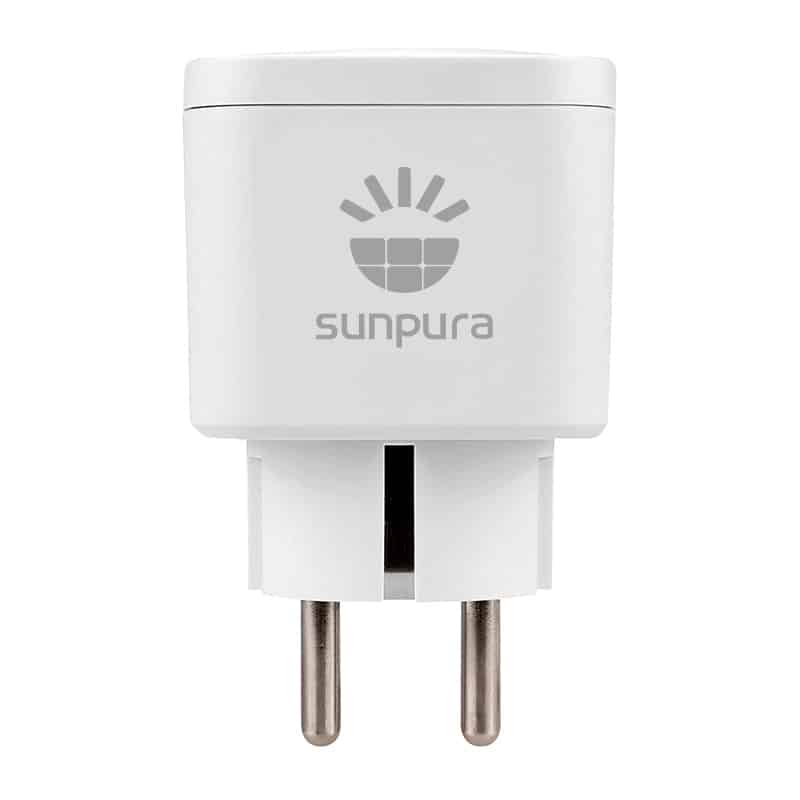
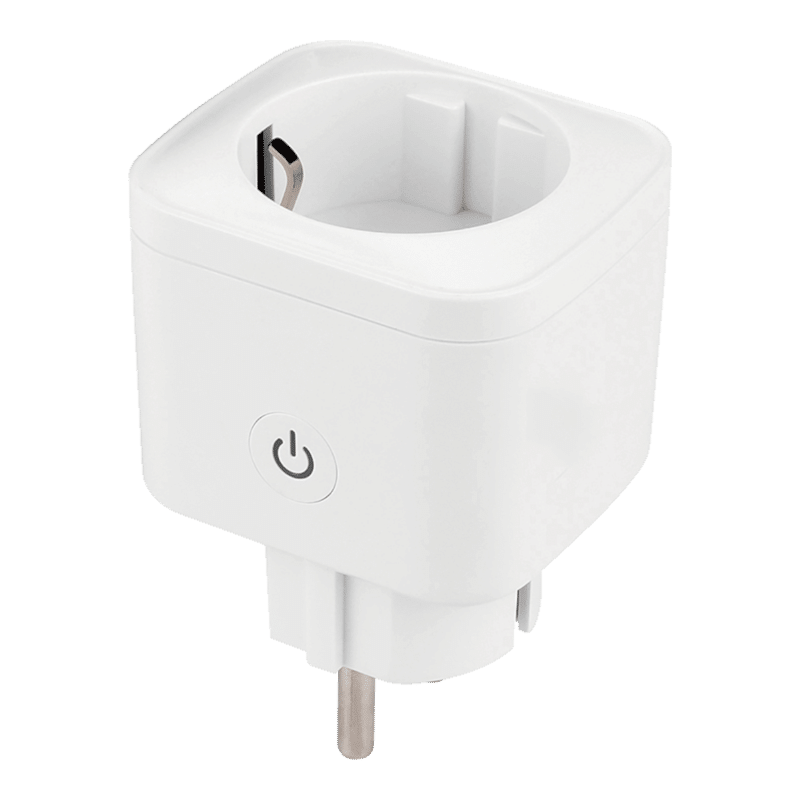
Sunpura Smart Plug
SKU: 231157
€20.66 Original price was: €20.66.€12.40Current price is: €12.40. (0% BTW)
The Sunpura Smart Plug is a smart 230 V outlet that works seamlessly with your Sunpura S2400 or S4800 home battery. The plug measures the consumption of the connected device and lets you switch it on and off remotely via the Sunpura app.
Thanks to the connection to the Sunpura ecosystem, you can automatically switch consumers based on solar surplus, battery charge or dynamic power prices. This way, you turn an ordinary power socket into a smart switch that maximises your self-consumption and savings.
MPN: SPlug-EC01
Bezorging op Monday 30 March — voor €5.74 verzonden (met 0% btw).
15 in stock (can be backordered)
Sunpura Smart Plug – smart socket for your Sunpura home battery
The Sunpura Smart Plug is a smart plug that works seamlessly with your Sunpura S2400 or S4800 system. You plug it into an ordinary 230 V outlet, connect your consumer (e.g. lamp, infrared panel or washing machine) and from then on you can measure, switch and automate this device via the Sunpura app.
In this way, you turn a “dumb” socket into a smart switch with an energy meter that knows exactly when solar power or cheap power is available – and automatically switches consumers on or off based on your settings and the behaviour of the Sunpura home battery.
What does the Sunpura Smart Plug do?
- Power measurement – the plug measures the actual power (W) and consumption (kWh) of the connected device, so you can see exactly what a boiler, stove or other appliance is really using.
- Remote and local switching – you can switch the socket on or off remotely via the Sunpura app as well as locally via the button on the plug (handy if you are standing next to it).
- Automation within the Sunpura ecosystem – combination with your Sunpura S2400/S4800 and AI control: automatically switch consumers on in case of solar surplus, high battery charge or low dynamic power prices.
- Cloud + local logic – the Smart Plug is designed for collaboration between cloud functions (AI, dynamic tariffs) and local control, so that basic rules can keep running even when the internet connection is faltering.
- One app for everything – battery, solar panels, smart meter and Smart Plug(s) are managed in the same Sunpura app. That saves another separate app or platform.
Key benefits at a glance
- More self-use of solar energy – control consumers the moment your Sunpura battery becomes full or your solar panels produce more than your household consumes.
- Perfect complement to Sunpura S2400/S4800 – the Smart Plug was developed as an accessory in the Sunpura ecosystem and perfectly matches the plug-&-play home battery in terms of functions.
- Ideal with dynamic tariffs – set certain devices to run only when hourly prices are low or negative, to make the most of your dynamic energy contract.
- No complex installation – plug in, connect in the app, choose scenario: that’s all you have to do.
- Insight into consumption – see exactly which appliances are the real “power guzzlers” and where you save the most with smart switching.
Technical features
- Product: Sunpura Smart Plug (smart socket / smart plug)
- Voltage: 230 V AC (standard European socket)
- Functions: power metering, energy monitoring, on/off switching, automation via Sunpura app
- Operation: via Sunpura app (remote) + physical button on the plug (local)
- Integration: designed as an accessory for Sunpura S2400/S4800 and Sunpura AI HEMS
- Use: indoors at earthed wall sockets (refer to manual for exact IP class and operating environment)
- Maximum load: suitable for standard 230 V domestic appliances (maximum 16 amps); always check the exact maximum current/power in the official data sheet and instruction manual
Real-life examples
- Electric boiler or instantaneous water heater
Let the electric water heater heat up only when your Sunpura battery is sufficiently charged or when power prices are low. This way, you shift hot water production to “cheap hours”. - Electric heating / infrared panels
During sunny weather, automatically turn on an infrared panel in the room where you do, instead of running the central heating boiler harder. - Server cabinet / NAS / IT equipment
Continuously measure how much your IT corner consumes and switch off non-critical equipment at night via a schedule or battery charge rule. - White goods
Run washing machine or dryer in the hours with the lowest tariffs? Link the Smart Plug to a scenario for dynamic pricing and avoid accidentally washing during peak hours.
Installation tips
- 1. Always use a grounded outlet
Place the Sunpura Smart Plug in a properly earthed 230 V socket. Avoid wobbly sockets or old, loose-fitting WCs. - 2. Check the power of your consumer
Look at the appliance’s rating plate (W or A) and check the Smart Plug’s manual for the maximum power. Do not connect appliances that are above this limit. - 3. First the plug, then the appliance
First plug in the Sunpura Smart Plug, let it boot up and connect it to the app. Only then plug your device into the Smart Plug. - 4. Pair with the Sunpura app
Open the Sunpura app, add the Smart Plug and give it a recognisable name, e.g. “Boiler kitchen” or “IR panel living room”. This way you keep it clear, especially if you use multiple plugs. - 5. Set scenarios
Create rules such as:- “Switch ON when battery charge > X% and there is solar surplus.”
- “Switch OFF when dynamic price exceeds Y €/kWh.”
- “Active only between 09:00 and 17:00.”
This is how you make the Sunpura Smart Plug work exactly the way you want it to.
- 6. Safety above all
Do not use the Smart Plug with extension cords that remain tightly coiled or through which high currents flow. Make sure the plug can cool properly and check occasionally for excessive heat buildup.
Buy Sunpura Smart Plug from Radiant Green
With the Sunpura Smart Plug, you get the missing link between your Sunpura home battery and your wholesale customers. You get more out of your solar panels, make better use of dynamic tariffs and at the same time gain insight into the actual consumption of your appliances.
At Radiant Green, we are happy to help you complete your Sunpura system: from S2400/S4800 battery to Smart Meter and Smart Plugs.
| Weight | 0.095 kg |
|---|---|
| Merk | Sunpura |
