
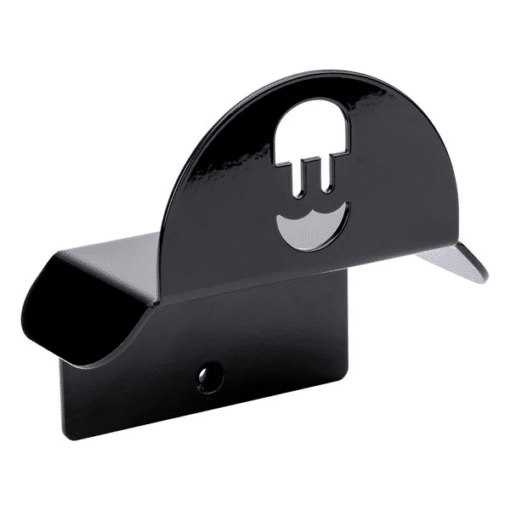
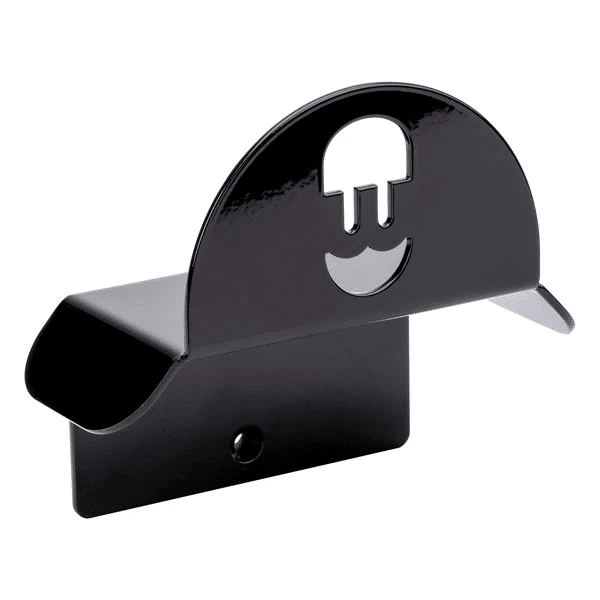
Wallbox cable and plug holder black
With the Wallbox Cable Dock you hang both the Type 2 plug and the charging cable safely and neatly next to your charging station. No more cable lying across the ground, no plug in the mud or against the wall: your charging spot stays tidy and your cable stays in good condition for longer.
This version is the black Wallbox cable and plug holder with product code WALL-CBLDOCK-T2-B, Ideal for a Wallbox Pulsar Max, Pulsar Plus or Commander, but of course also perfectly suitable for other charging stations with a Type 2 cable.
Why a Cable Dock at your charging station?
- Protects your charging cable and plug – prevents the plug from falling on the ground or the cable from chafing along stones and edges.
- Always within reach – you take hold of the cable in one movement and start your charging session straight away.
- Neat and safe – less risk of tripping and a tidy driveway, garage or carport.
- Sleek finish – the black version looks great with modern charging stations and dark facades.
Key features
- Product: Wallbox Cable Dock
- Version: black
- Product code: WALL-CBLDOCK-T2-B
- Application: hanging up the charging cable + clicking in/storing the Type 2 plug
Installation & use
- 1. Choose the location
Preferably mount the Cable Dock next to your charging station, at a height where you can easily hook in the plug and hang the cable in wide loops. - 2. Fixing to the wall
Fix the holder with suitable screws and wall plugs (depending on the surface). For outdoor installation, choose a solid, flat surface. - 3. Hanging the cable neatly
Wind the cable into loops and hang it over the dock. Then click the Type 2 plug into the holder so it stays protected against dirt and knocks.
